Template:Flag: Difference between revisions
Jump to navigation
Jump to search
geometrydash.wiki.gg>Jamasto mNo edit summary |
m 14 revisions imported: Copied from Official Wiki https://geometrydash.wiki.gg/index.php?title=Template%3AFlag&oldid=253298 ; contributors: https://geometrydash.wiki.gg/index.php?title=Template%3AFlag&action=history |
||
| (11 intermediate revisions by 4 users not shown) | |||
| Line 1: | Line 1: | ||
<span class="country-flag" title="{{{2|}}}">{{#if:{{{1|}}}|[[File:Flag {{{1|}}}.svg| | <span class="country-flag" title="{{{2|}}}" style="margin-right:0.5rem;">{{#if:{{{1|aq}}}|[[File:Flag {{{1|aq}}}.svg|x24px|link=]] | }}</span>{{{2|}}}<noinclude> | ||
This | ;Description | ||
:This template produces a country flag as an inline icon. The two-letter [[Wikipedia:ISO 3166-1 alpha-2|ISO 3166-1 alpha-2]] codes of ''available'' flags can be viewed [[dev:Category:Country_flags|here]]. | |||
;Syntax | |||
:Type {{t|Flag|flagcode}} to produce a flag. | |||
The | :Type {{t|Flag|flagcode|country}} to produce a flag with a popup label on cursor hover and text alongside. | ||
{ | |||
[[Category:General templates]]</noinclude> | [[Category:General templates]]</noinclude> | ||
Latest revision as of 23:54, 13 October 2026
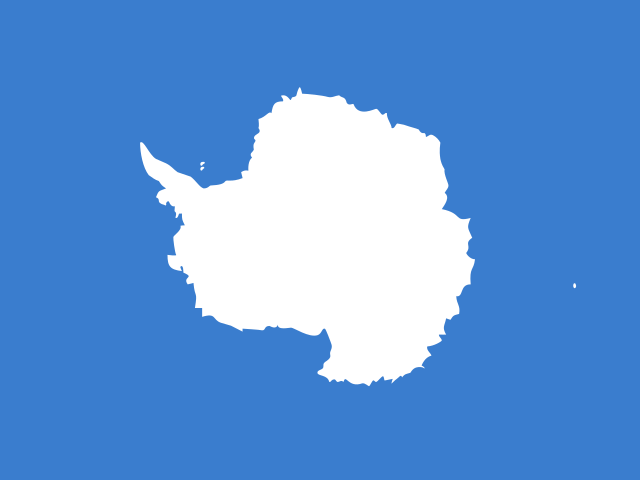
- Description
- This template produces a country flag as an inline icon. The two-letter ISO 3166-1 alpha-2 codes of available flags can be viewed here.
- Syntax
- Type
{{Flag|<flagcode>}}to produce a flag. - Type
{{Flag|<flagcode>|<country>}}to produce a flag with a popup label on cursor hover and text alongside.